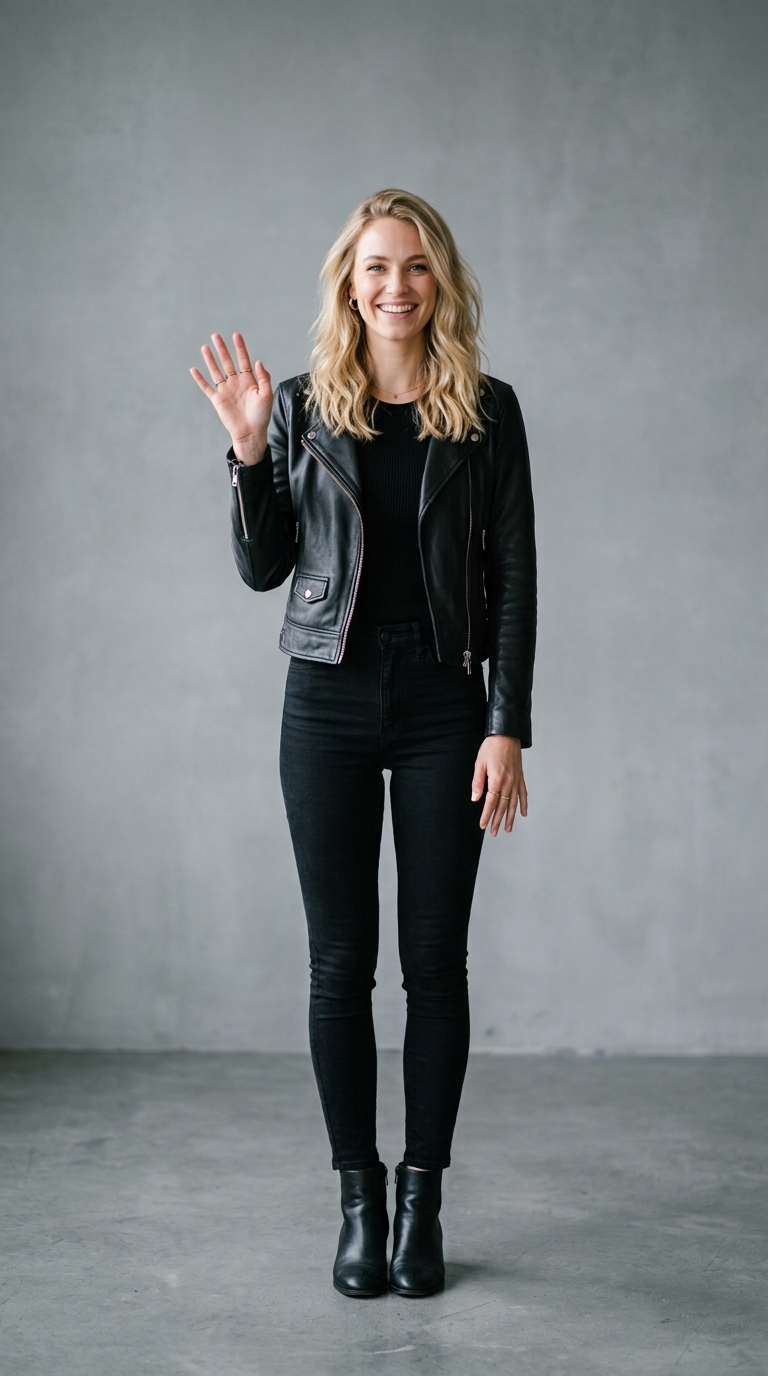
Melt Effect — AI Photo Animation
Your subject slowly melts into wax-like droplets.
The Melt effect is a free AI video preset on Swoopen that animates a still photo into a 4-second cinematic clip — ideal for TikTok, Reels and Shorts. Upload one image, tap generate, and the AI produces the finished video in about a minute. No signup, no watermark.
What is the Melt effect?
How to use Melt on Swoopen
- Upload a photo — square, portrait or landscape all work.
- Tap the Melt card to load the effect template.
- Tap generate — your 4-second AI video is ready in about a minute.
AI prompt behind the Melt effect
This is the exact prompt template Swoopen sends to the AI video model when you use the Melt effect. You can study it, tweak it, or copy it into your own workflow.
The subject in this photo gradually melts over 4 seconds, starting from the top — the scoop softens, edges drip downward in slow wax-like droplets that pool at the cone's base. The lower half of the cone stays solid and crisp throughout. The cone's shape, color, and identity stay the same — only the top half deforms. Background stays clean and warm-lit. Camera holds steady with slight downward tilt as the puddle spreads. Audio: slow soft bubbling, gentle ASMR drip sounds, warm ambient room tone, no dialogue. Strict: no watermark, no text overlay, no on-screen logo, no captions. Soft warm daylight, photo-real, smooth continuous melting.Frequently asked questions
What exactly does the Melt effect do?
The Melt effect is a specialized AI photo animation tool that makes the subject of your picture look like it is turning into liquid. It starts from the top of the object and gradually creates dripping, wax-like droplets that fall toward the bottom. It is a popular choice for creators looking to add a surreal or satisfying visual touch to their social media posts.
How long does it take to generate a video?
Most videos are generated within a minute or two, depending on the current server load. Our image to video AI works quickly to process the textures and movement patterns of your specific photo. Once the AI video generator finishes its work, you can preview the animation and download it directly to your device to share with your followers.
Can I use this AI video generator for free?
Yes, Swoopen offers ways to try our effects for free. You can start exploring how to animate photo with AI using our basic tools. We want everyone to experience the power of photo to video technology, so you can test out different images and see which ones create the coolest melting animations without any immediate commitment.
What kind of photo works best for this effect?
For the best results, use a photo with a single, clear subject in the center. Objects like food, candles, or sculptures work incredibly well. Avoid photos with too much clutter or many small subjects, as the AI photo animation looks cleanest when it can focus on melting one main item. High-resolution images with good lighting produce the sharpest video output.
How long is the output video?
The Melt effect typically produces a video clip that is about 4 seconds long. This duration is perfect for social media platforms like TikTok, Instagram Reels, or YouTube Shorts. It provides enough time for the viewer to see the subject transition from a solid state into a beautiful, dripping pool of liquid, making it a highly shareable piece of content.