Inflate Effect — AI Photo Animation
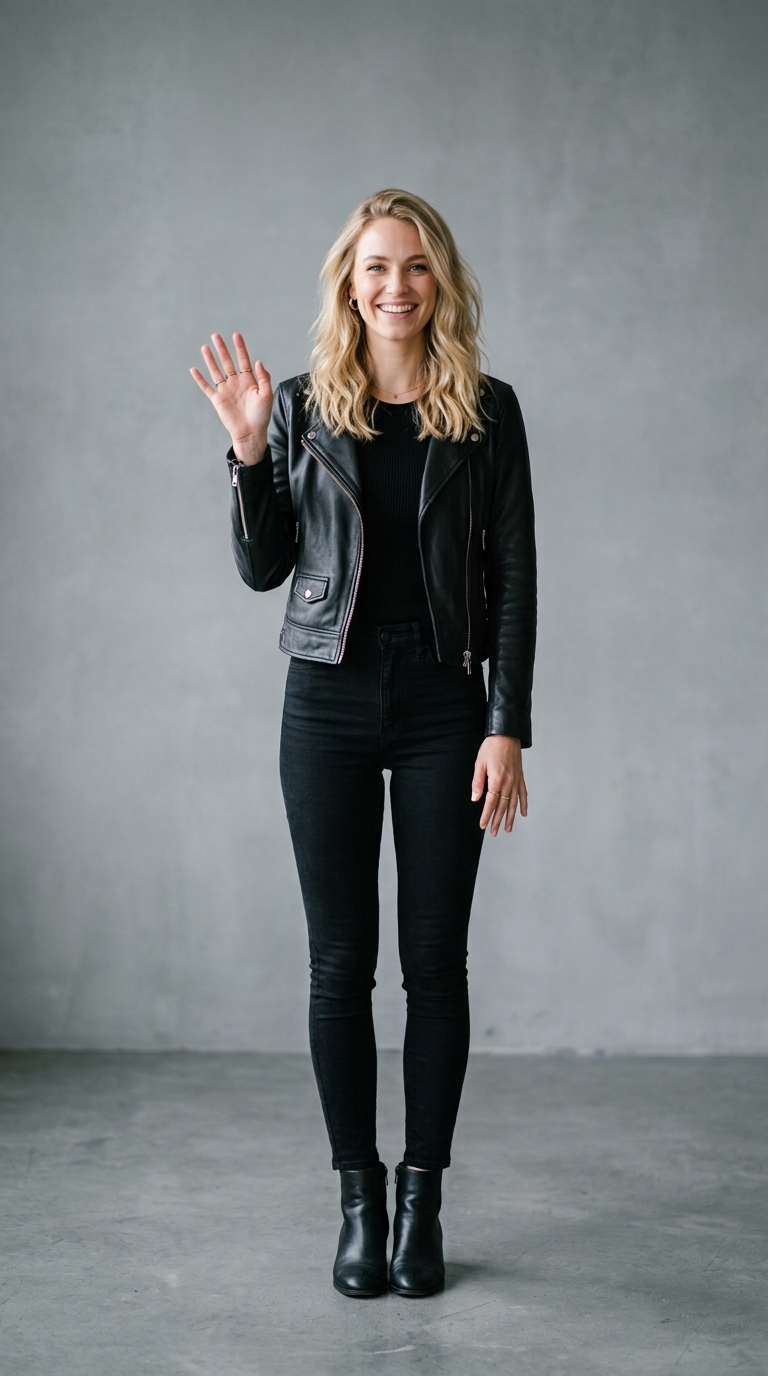
Your subject puffs up like a balloon, edges rounding out.
The Inflate effect is a free AI video preset on Swoopen that animates a still photo into a 4-second cinematic clip — ideal for TikTok, Reels and Shorts. Upload one image, tap generate, and the AI produces the finished video in about a minute. No signup, no watermark.
What is the Inflate effect?
How to use Inflate on Swoopen
- Upload a photo — square, portrait or landscape all work.
- Tap the Inflate card to load the effect template.
- Tap generate — your 4-second AI video is ready in about a minute.
AI prompt behind the Inflate effect
This is the exact prompt template Swoopen sends to the AI video model when you use the Inflate effect. You can study it, tweak it, or copy it into your own workflow.
The subject in this photo gradually inflates over 4 seconds, like a balloon being pumped — skin becoming smoother, edges rounding, body expanding to about 1.5× its original size before settling and gently wobbling once. The apple's color, stem, and overall identity stay the same — only volume changes. Background stays clean and bright. Camera slowly pulls back to keep the subject framed. Audio: soft pneumatic pump sound during inflation, gentle 'boing' wobble at the end, no dialogue. Strict: no watermark, no text overlay, no on-screen logo, no captions. Soft daylight, photo-real, smooth continuous inflation.Frequently asked questions
What exactly happens when I use the Inflate effect?
This effect transforms your static image into a dynamic video where the subject appears to fill with air. Using advanced image to video AI, the tool identifies the main object and rounds its edges while increasing its volume. It creates a playful, balloon-like movement that finishes with a gentle wobble, making your photos look soft and touchable.
How long will I have to wait for my video to be ready?
Most AI photo animations on Swoopen are processed in under a minute. Once you upload your image and select the Inflate tool, our servers work to render the expansion and smooth the textures. During peak times it might take slightly longer, but you will usually have a high-quality video ready for download in about 30 to 60 seconds.
Is there a cost to use this AI video generator?
Swoopen offers a way to animate photo with AI through a credit-based system. New users often receive free credits to try out different effects, including Inflate. This allows you to test how your specific photos look when they puff up before committing to a subscription or purchasing more credits for high-volume projects.
Which images produce the most realistic inflation results?
For the best results with this photo to video tool, choose images with a single, clear subject and a simple background. Objects that already have somewhat rounded shapes, like fruits, balls, or character faces, work exceptionally well. High-resolution photos with good lighting help the AI maintain the texture of the object even as it stretches and expands.
What is the duration of the final Inflate video?
The generated video is typically about 4 to 5 seconds long. This duration includes the initial phase where the subject gradually swells and a final moment where it settles into its new size with a subtle bounce. It is the perfect length for a quick TikTok loop, an Instagram Story, or a unique GIF for messaging apps.