Crush Effect — AI Photo Animation
A giant transparent block flattens then releases your subject.
The Crush effect is a free AI video preset on Swoopen that animates a still photo into a 4-second cinematic clip — ideal for TikTok, Reels and Shorts. Upload one image, tap generate, and the AI produces the finished video in about a minute. No signup, no watermark.
What is the Crush effect?
How to use Crush on Swoopen
- Upload a photo — square, portrait or landscape all work.
- Tap the Crush card to load the effect template.
- Tap generate — your 4-second AI video is ready in about a minute.
AI prompt behind the Crush effect
This is the exact prompt template Swoopen sends to the AI video model when you use the Crush effect. You can study it, tweak it, or copy it into your own workflow.
Identify the main subject. A massive transparent block descends from above and slowly compresses the subject flat over 3 seconds, then lifts away revealing the subject restored. Camera locked-off, slight micro-shake on impact. Soft shadows under the subject.Frequently asked questions
What exactly happens in the Crush video effect?
The Crush effect uses image to video AI to make it look like your subject is being flattened by a giant invisible block. The subject compresses into a thin layer on the ground and then springs back to its original shape. It is a popular style for making funny, physics-based animations from a single still photo.
How long does the AI take to process my photo?
Generating your video usually takes between 30 and 60 seconds. Our AI video generator works quickly to analyze your image, separate the subject from the background, and apply the complex compression physics. Once the processing is finished, you can preview the animation immediately and download it to your device.
Is there a way to create a Crush video for free?
Yes, Swoopen offers options for users to create a free AI video when they first sign up. You can use your initial credits to test out the Crush effect or any of our other templates. This allows you to see how the AI photo animation looks with your specific images before committing to a subscription.
What kind of photo produces the best squishing animation?
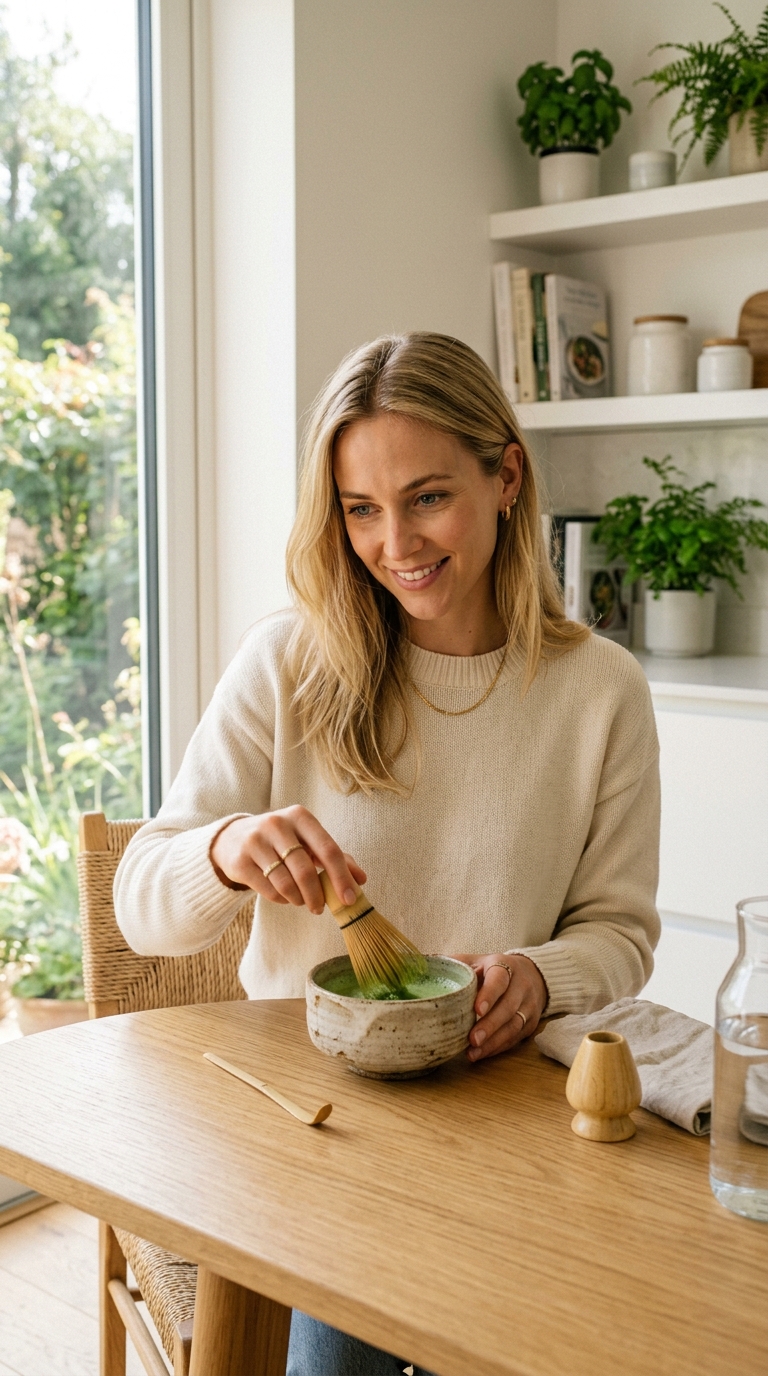
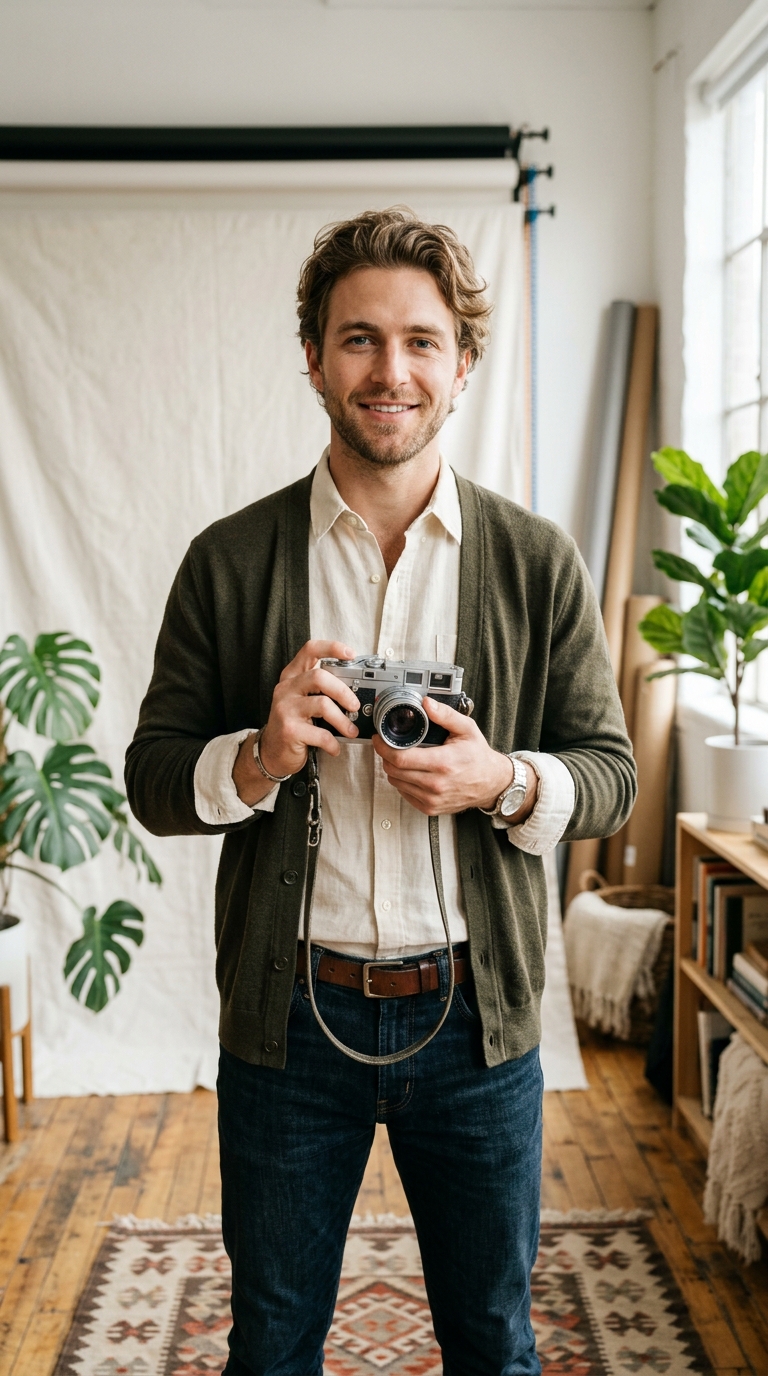
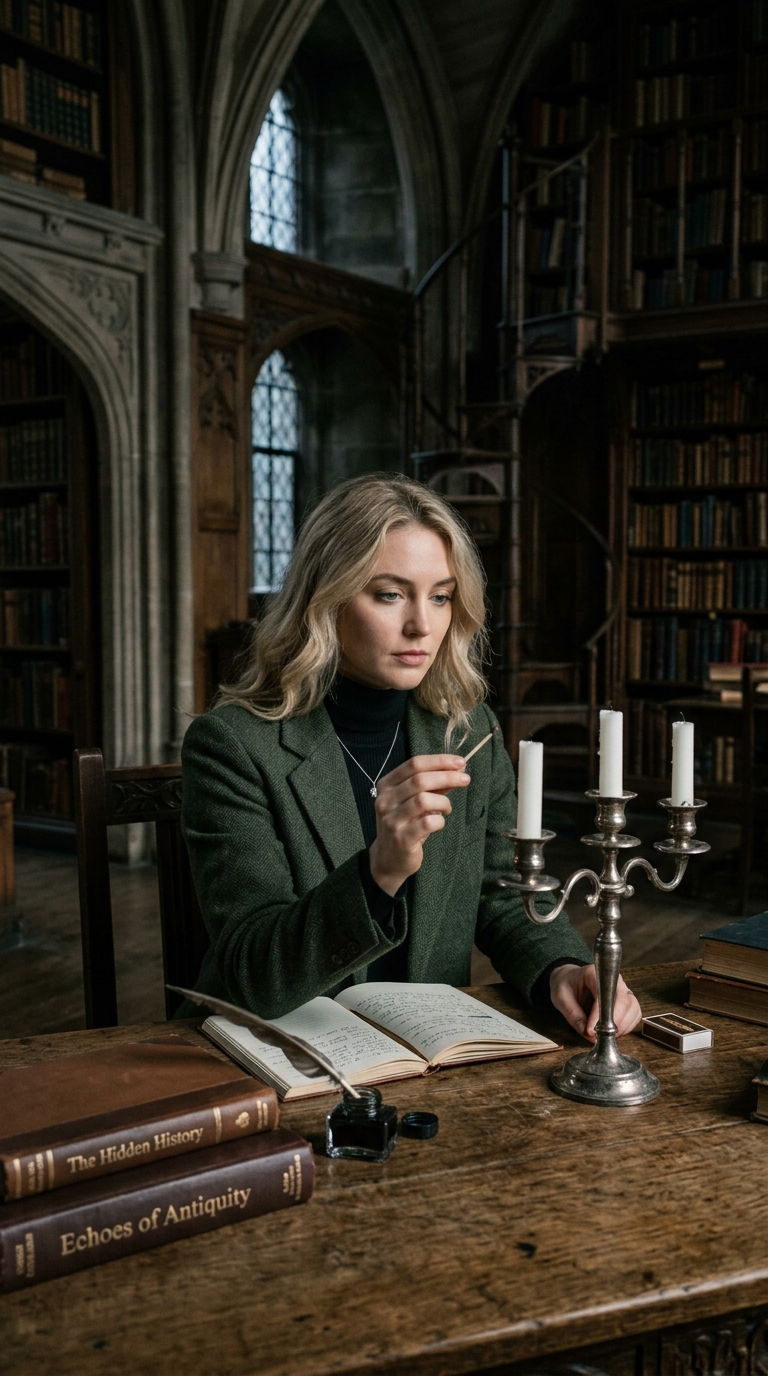
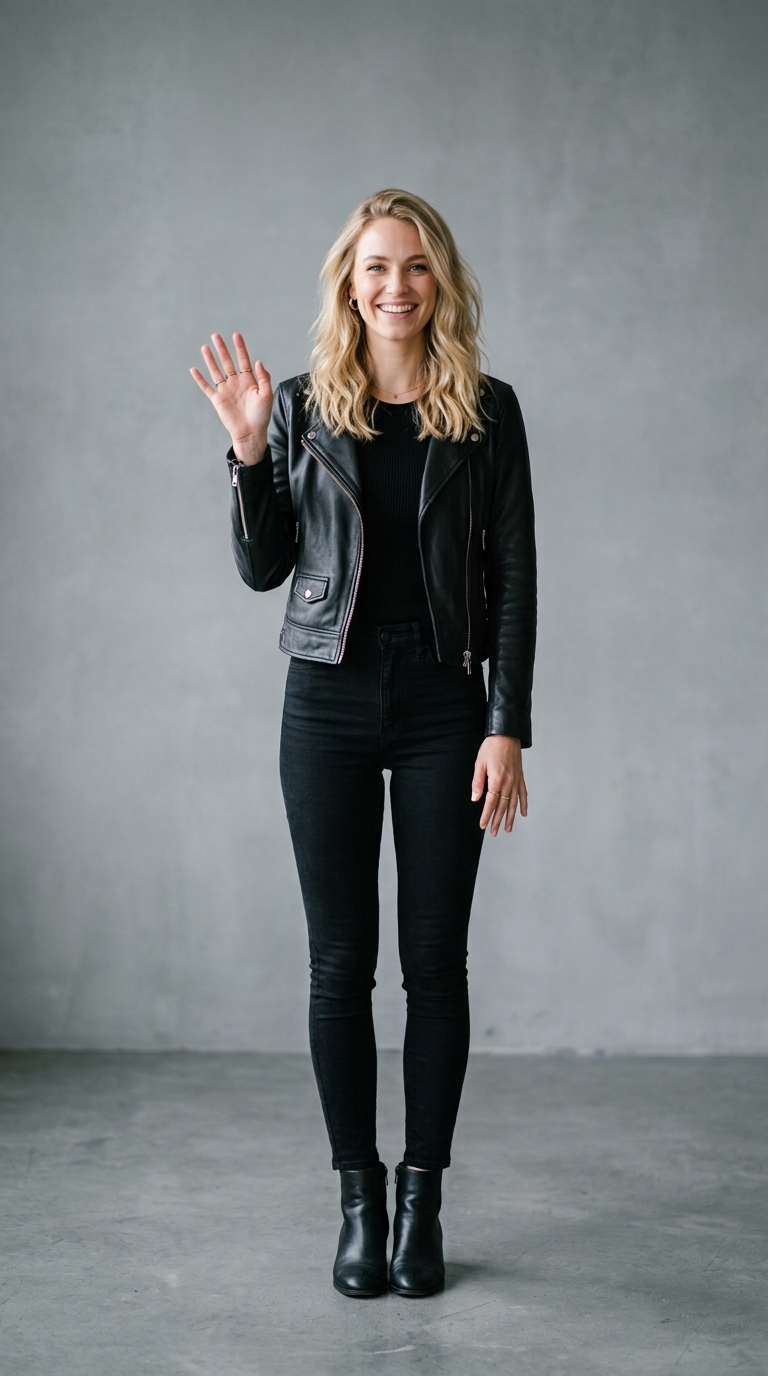
Photos with a single, clear subject in the middle of the frame work best. Try to avoid busy backgrounds where the subject blends in. When you animate photo with AI using this specific effect, portraits or photos of distinct objects like a car or a sneaker tend to look the most realistic and entertaining.
How long is the output video and what is the format?
The final video is typically about 3 to 5 seconds long, which is the perfect length for a TikTok loop or an Instagram Reel. The output is provided as a high-quality MP4 file, making it easy to share directly to social media platforms or include in a larger video editing project.