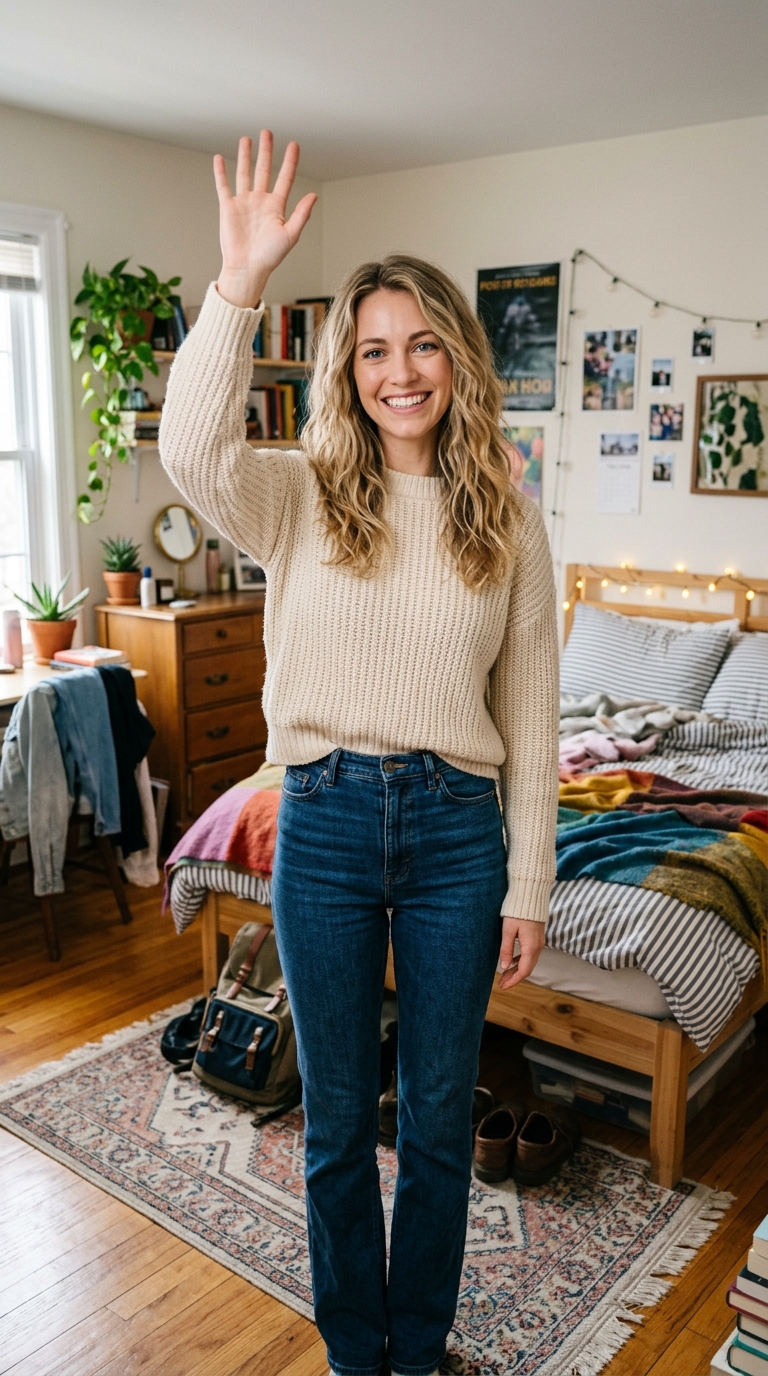
Create New Effect — AI Photo Animation
Drop a photo, write your own prompt — total freedom.

The Create New effect is a free AI video preset on Swoopen that animates a still photo into a 4-second cinematic clip — ideal for TikTok, Reels and Shorts. Upload one image, tap generate, and the AI produces the finished video in about a minute. No signup, no watermark.
What is the Create New effect?
How to use Create New on Swoopen
- Upload a photo — square, portrait or landscape all work.
- Tap the Create New card to load the effect template.
- Tap generate — your 4-second AI video is ready in about a minute.
AI prompt behind the Create New effect
This is the exact prompt template Swoopen sends to the AI video model when you use the Create New effect. You can study it, tweak it, or copy it into your own workflow.
{user_prompt}Frequently asked questions
What is the Create New effect on Swoopen?
It is an open-ended tool within our AI video generator that lets you animate any image using your own text prompts. Unlike specific templates that have pre-set movements, you can describe any action or change you want to see, giving you total freedom to create unique content that fits your specific vision.
How long does the AI take to generate my custom video?
Most custom animations take between 30 and 60 seconds to process. Because the image to video AI has to interpret your unique text prompt and apply it to your specific image from scratch, it takes a moment to render the motion frames and ensure the quality is high before it is ready.
Can I use the Create New tool for free?
Yes, Swoopen offers free AI video generation credits for all users. You can upload your photo, write your custom prompt, and see the results without any upfront cost. If you find yourself needing to generate many videos per day or want higher resolution exports, we offer premium plans as well.
What kind of photos work best for custom prompts?
Photos with a clear subject and good lighting work best for AI photo animation. If the AI can easily tell the difference between the main subject and the background, the movement will look much cleaner. Avoid using very blurry, grainy, or dark images, as they make it harder for the AI to animate.
How long is the output video generated by this tool?
The standard output for this photo to video effect is typically a 3 to 5-second video clip. This duration is ideal for social media platforms like TikTok, Reels, or Shorts, providing enough time to showcase the motion while keeping the file size small enough for quick sharing and easy looping.