Compose Effect — AI Photo Animation
Combine up to 7 photos into one moving scene.

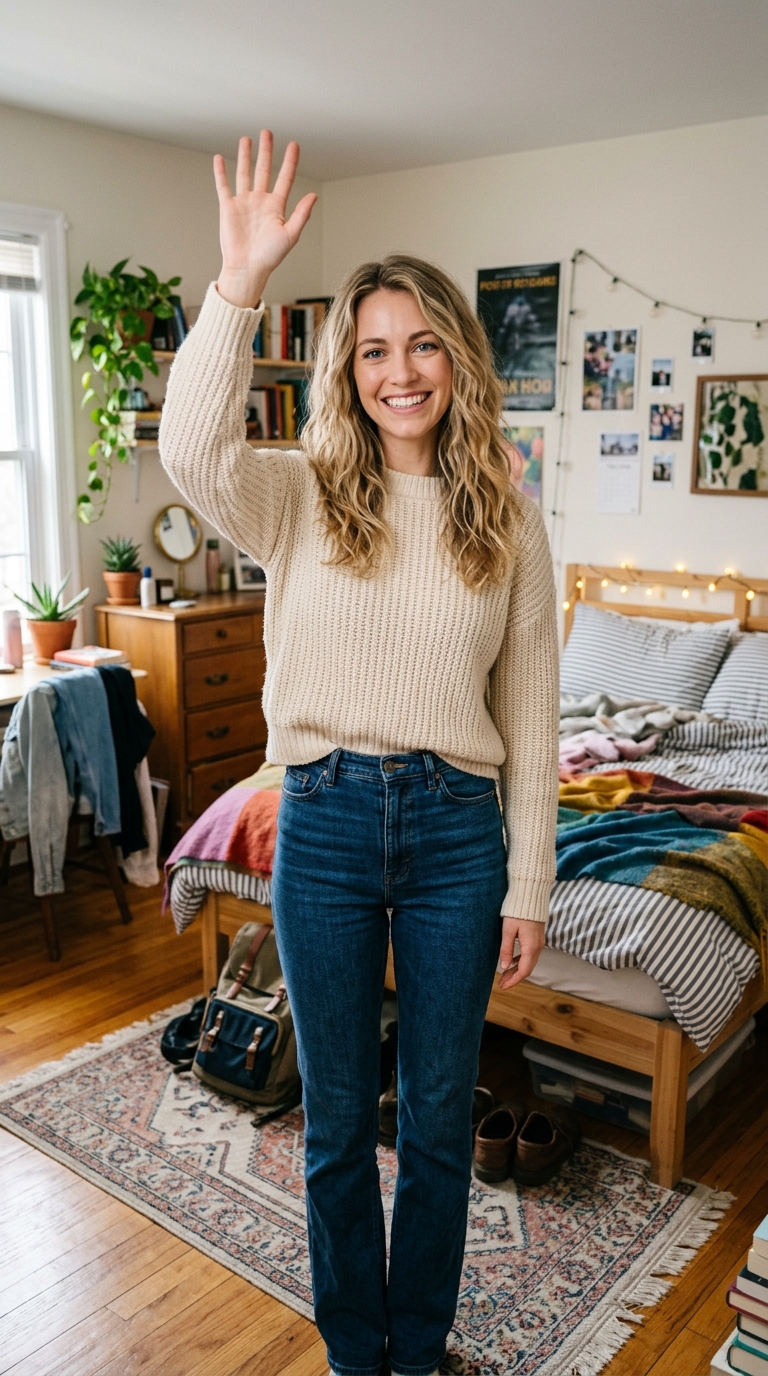
The Compose effect is a free AI video preset on Swoopen that animates a still photo into a 4-second cinematic clip — ideal for TikTok, Reels and Shorts. Upload one image, tap generate, and the AI produces the finished video in about a minute. No signup, no watermark.
What is the Compose effect?
How to use Compose on Swoopen
- Upload a photo — square, portrait or landscape all work.
- Tap the Compose card to load the effect template.
- Tap generate — your 4-second AI video is ready in about a minute.
AI prompt behind the Compose effect
This is the exact prompt template Swoopen sends to the AI video model when you use the Compose effect. You can study it, tweak it, or copy it into your own workflow.
{user_prompt}Frequently asked questions
What exactly is the Compose effect?
The Compose effect is a specialized tool within our AI video generator that lets you upload up to seven different images to create one video. Unlike standard filters, it uses these photos as a visual foundation to build a complex scene. This allows for much more control over the final output, as you can define the background, characters, and objects separately before the AI animates them.
How long does it take for the AI to generate the video?
Creating a video from multiple photos usually takes between 60 and 90 seconds. Because the image to video AI is processing several different files at once to ensure they blend together naturally, it takes slightly longer than a single-photo animation. Once the processing is complete, your video will be ready to download or share directly to your social media channels.
Is it possible to use the Compose effect for free?
Yes, Swoopen offers ways to create free AI video content. New users typically receive credits to experiment with our various tools, including the Compose feature. This allows you to test out how your photos work together and see the quality of the AI photo animation without any initial cost. You can earn more credits or subscribe for higher volume needs.
What types of photos produce the best results with this tool?
For the best photo to video results, use clear images where the subject is easily distinguishable from the background. Since you can upload up to seven images, try to provide a mix of base images like a landscape and detail images like a person or an object. Consistent lighting and style across your photos help the AI create a more realistic and seamless animation.
How long is the final video generated by the Compose effect?
The resulting video is typically 4 to 10 seconds long, which is the ideal length for social media platforms like TikTok, Reels, or Shorts. This duration provides enough time for the AI to animate photo with AI transitions and show the movement you described in your prompt. If you need a longer sequence, you can generate multiple clips and edit them together.