Ghibli Motion Effect — AI Photo Animation
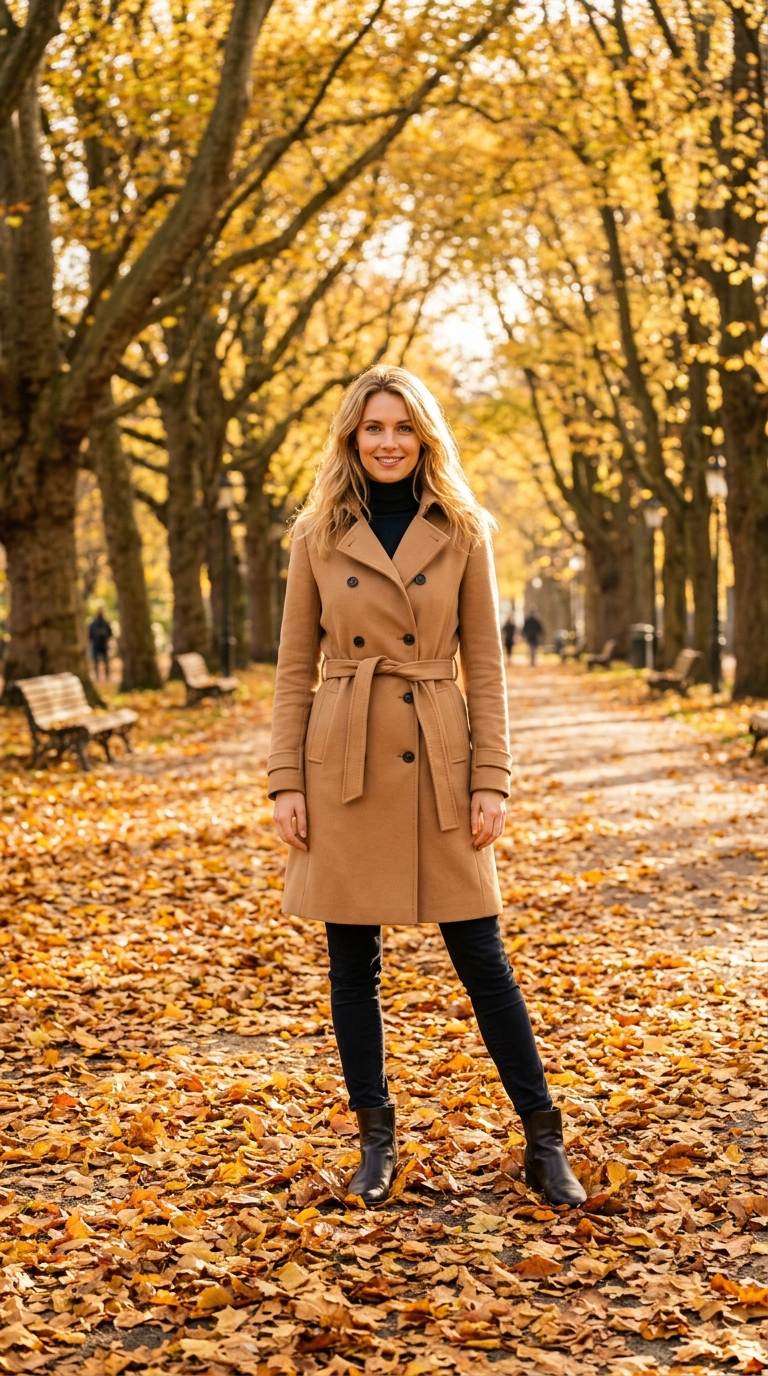
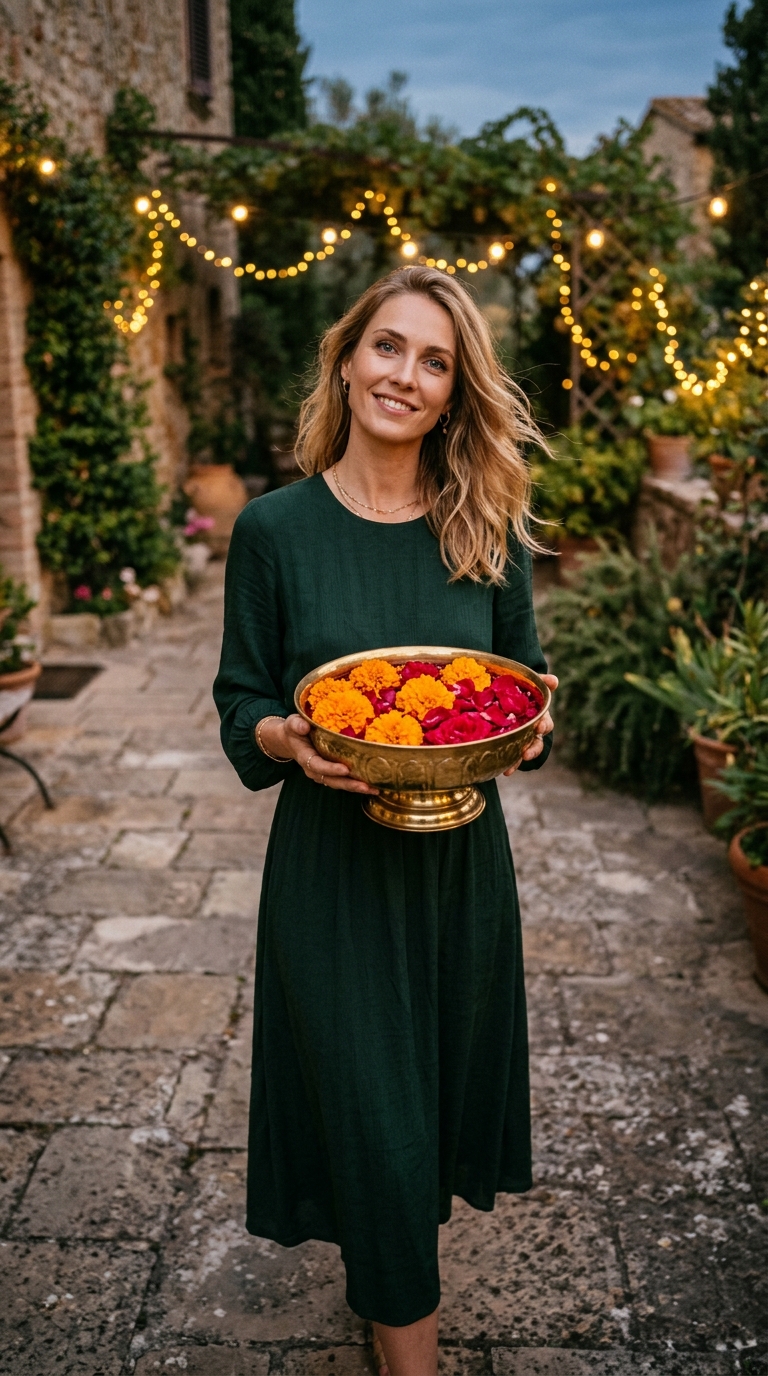
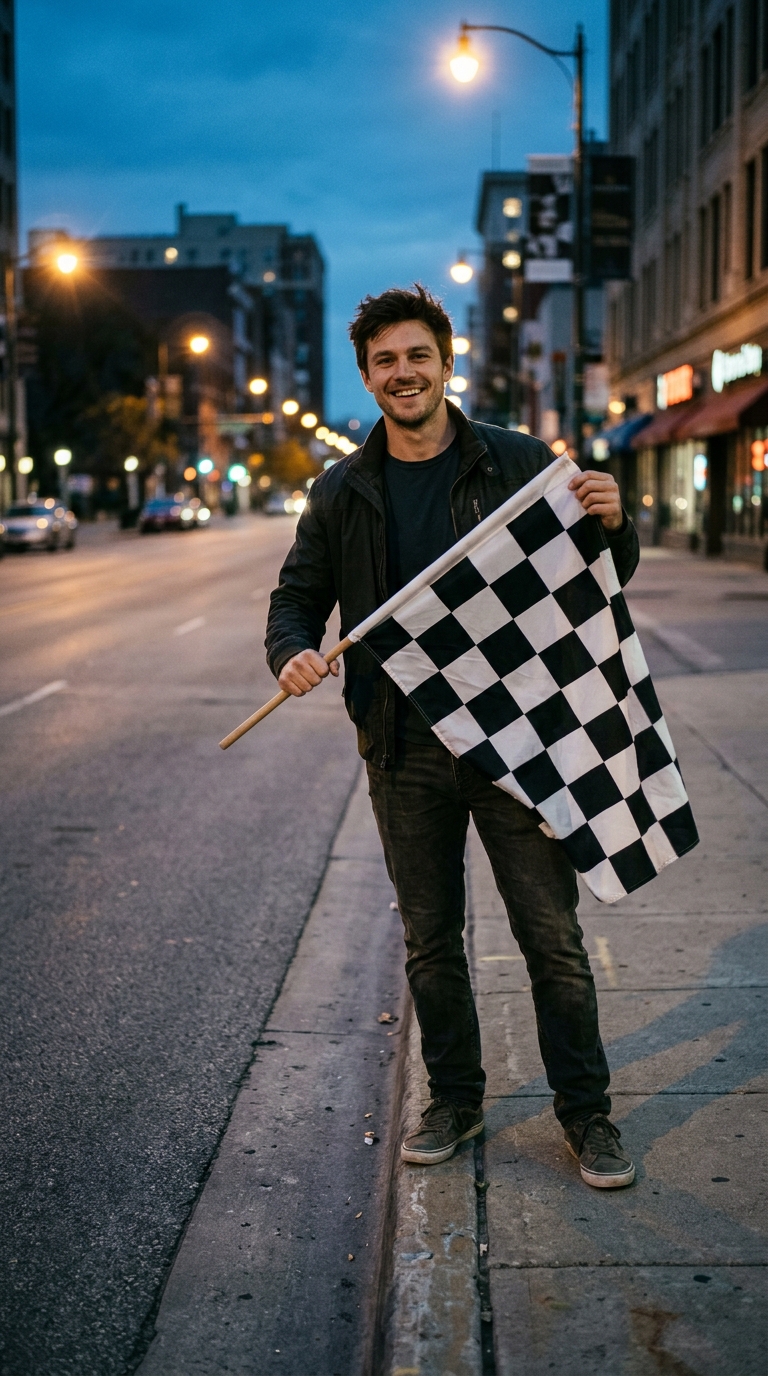
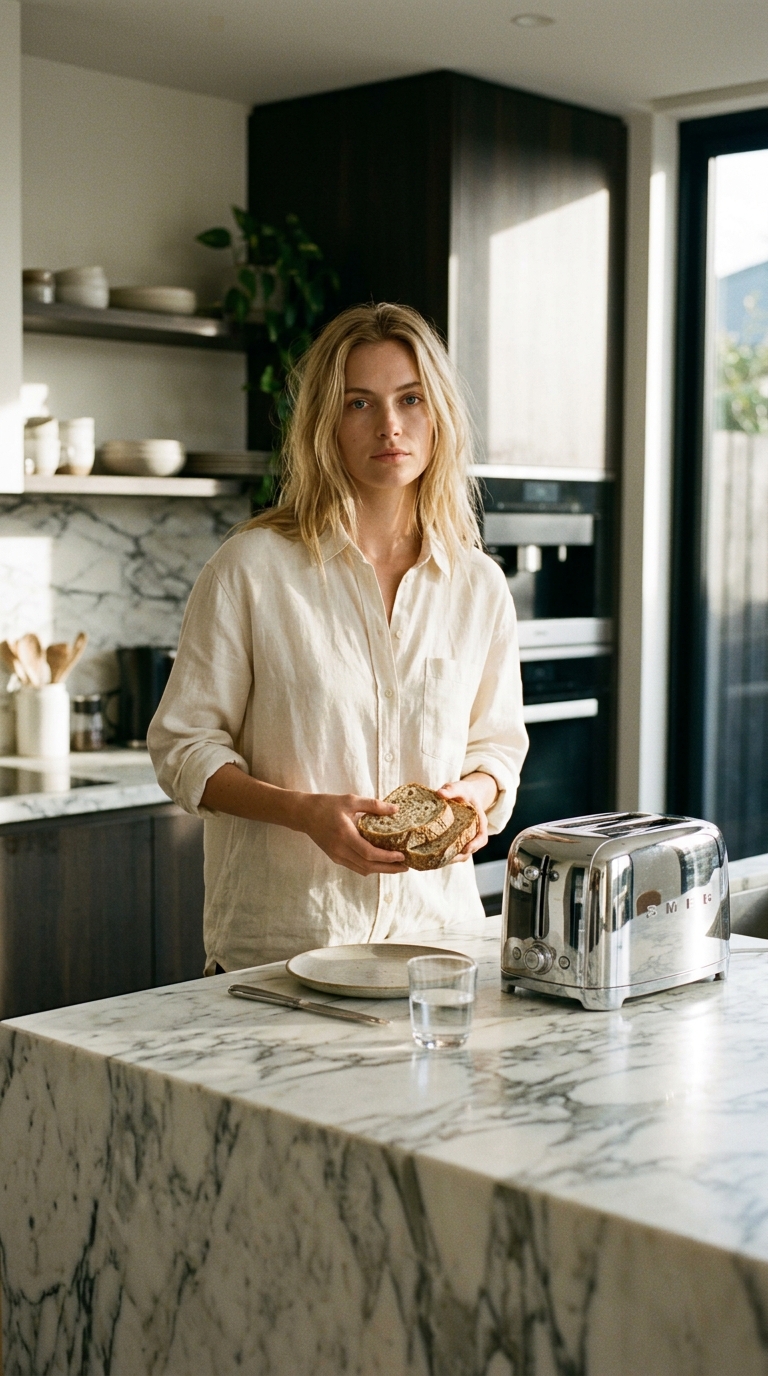
Your photo is repainted in Studio Ghibli hand-drawn style, then gently comes alive.
Quick answer
The Ghibli Motion effect is a free AI video preset on Swoopen that animates a still photo into a 4-second cinematic clip — ideal for TikTok, Reels and Shorts. Upload one image, tap generate, and the AI produces the finished video in about a minute. No signup, no watermark.
What is the Ghibli Motion effect?
Your photo is repainted in Studio Ghibli hand-drawn style, then gently comes alive. Use this effect on Swoopen — a free AI image-to-video generator. Upload a photo, pick the effect, get a 4-second video in about 60 seconds.
How to use Ghibli Motion on Swoopen
- Upload a photo — square, portrait or landscape all work.
- Tap the Ghibli Motion card to load the effect template.
- Tap generate — your 4-second AI video is ready in about a minute.
AI prompt behind the Ghibli Motion effect
This is the exact prompt template Swoopen sends to the AI video model when you use the Ghibli Motion effect. You can study it, tweak it, or copy it into your own workflow.
Transform the person in the reference photo into authentic Studio Ghibli hand-drawn animation style — soft watercolor textures, expressive simplified line work, warm nostalgic palette (dusty pinks, sky blues, sunlit greens), painterly cloud and foliage brushwork, cel-shaded soft lighting — while preserving the subject's pose, general appearance and clothing silhouette; only re-render into the Ghibli painterly look. Then bring the Ghibli-styled scene alive over 4 seconds: soft wind rustles hair and fabric, distant clouds drift slowly, tiny particles of light float through the air, and the subject blinks and turns their head slightly with a gentle dreamy expression. Camera stays locked with a subtle parallax on the background. Audio: warm nostalgic orchestral score in the style of Joe Hisaishi, gentle wind ambience, no dialogue. No on-screen text, no watermarks, no captions, no logos.