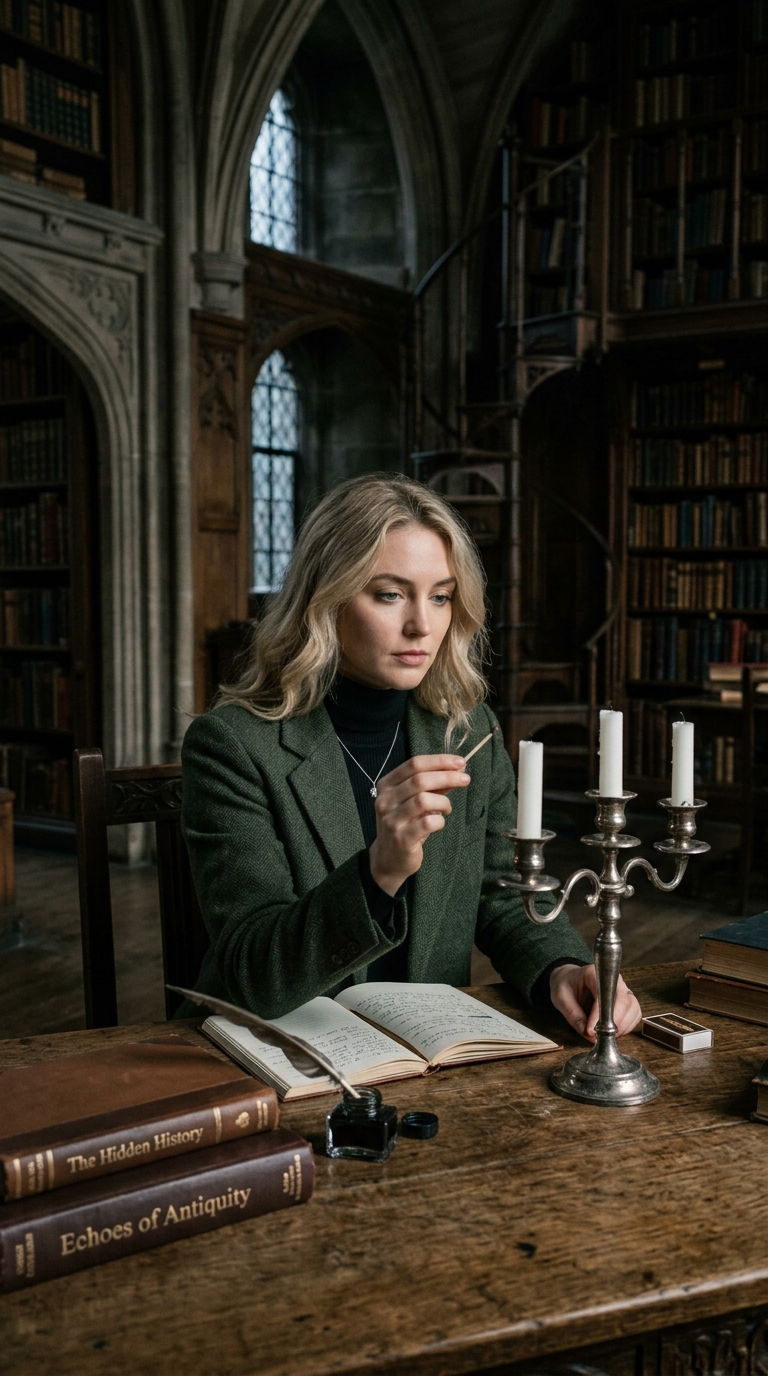
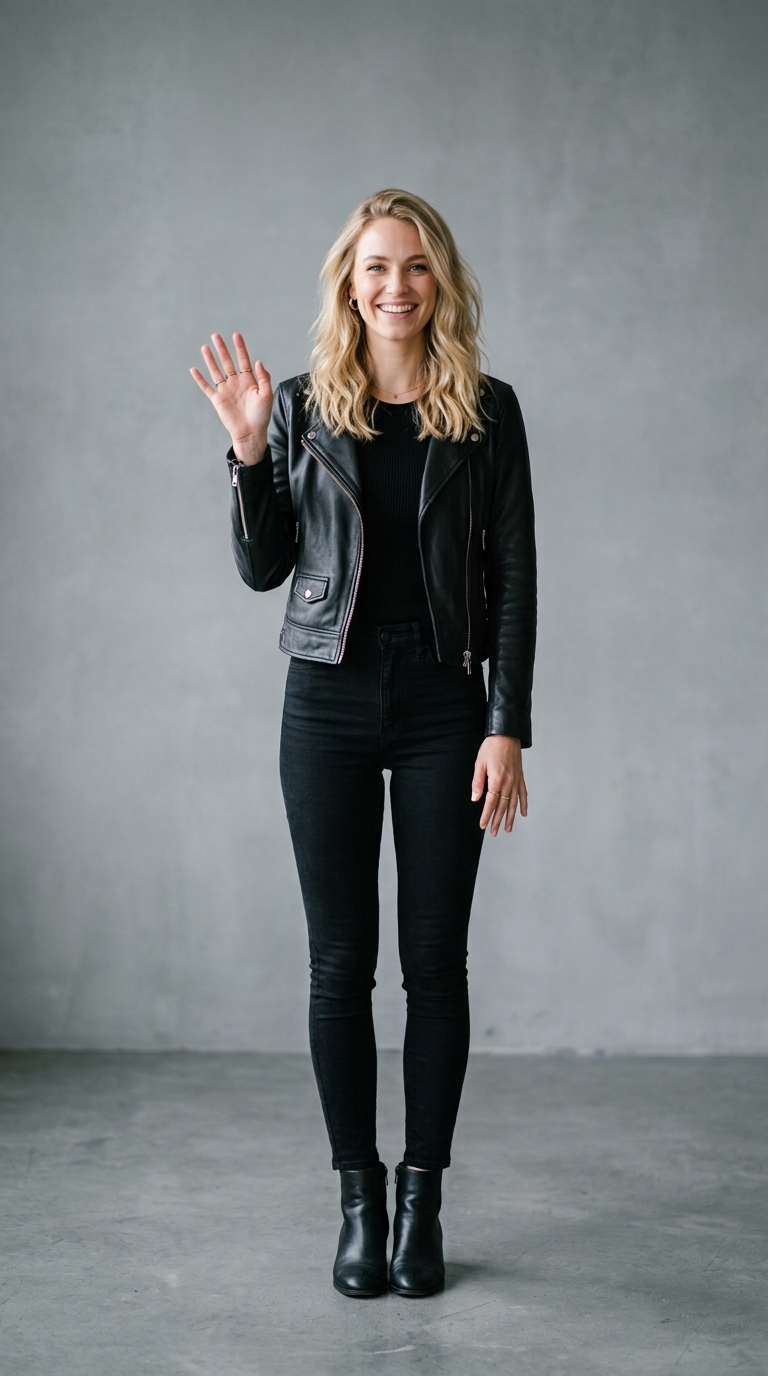
Imagine Effect — AI Photo Animation
Just describe a scene — no photo needed.
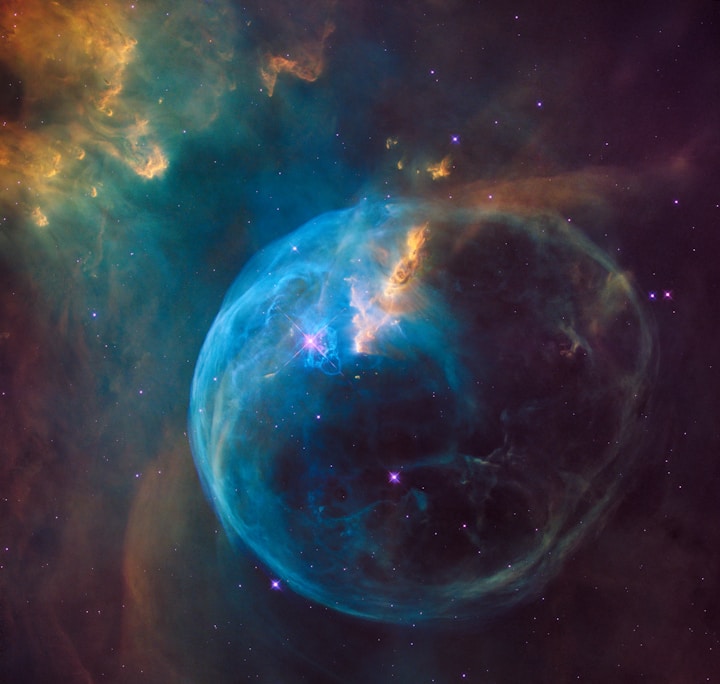
The Imagine effect is a free AI video preset on Swoopen that animates a still photo into a 4-second cinematic clip — ideal for TikTok, Reels and Shorts. Upload one image, tap generate, and the AI produces the finished video in about a minute. No signup, no watermark.
What is the Imagine effect?
How to use Imagine on Swoopen
- Upload a photo — square, portrait or landscape all work.
- Tap the Imagine card to load the effect template.
- Tap generate — your 4-second AI video is ready in about a minute.
AI prompt behind the Imagine effect
This is the exact prompt template Swoopen sends to the AI video model when you use the Imagine effect. You can study it, tweak it, or copy it into your own workflow.
{user_prompt}Frequently asked questions
What is the Imagine effect?
The Imagine effect is a text-to-video tool that creates short video clips directly from your written descriptions. Unlike typical tools that animate photo with AI by using a file you upload, this feature builds a completely original scene based only on the words you type into the prompt box.
How long does it take to generate a video?
Most video clips are generated in under a minute. Our AI video generator works quickly to process your text prompt and render the motion. The speed might vary slightly depending on the complexity of your description, but it is designed for fast, on-the-go creative experimentation.
Is this AI video generator free to use?
Yes, Swoopen offers options for users to try this free AI video generator. You can experiment with different text prompts to see how the AI interprets your creative ideas. This allows you to explore the power of photo to video technology without needing an upfront investment.
What kind of text prompts work best?
Clear, descriptive prompts produce the highest quality results. Instead of just saying a forest, try describing an ancient forest with sunlight filtering through thick green leaves and fog on the ground. Detailed descriptions of lighting, mood, and specific actions help the AI understand exactly what to build.
How long is the output video?
The resulting video is usually a high-quality clip lasting a few seconds. This length is ideal for social media stories, TikTok backgrounds, or as b-roll in larger video editing projects. It is specifically designed to be a high-impact visual that captures a specific moment or atmosphere perfectly.