Levitating Lights Effect — AI Photo Animation
Ignite a table of clay lamps and summon them into a swirling golden vortex around you.
The Levitating Lights effect is a free AI video preset on Swoopen that animates a still photo into a 4-second cinematic clip — ideal for TikTok, Reels and Shorts. Upload one image, tap generate, and the AI produces the finished video in about a minute. No signup, no watermark.
What is the Levitating Lights effect?
How to use Levitating Lights on Swoopen
- Upload a photo — square, portrait or landscape all work.
- Tap the Levitating Lights card to load the effect template.
- Tap generate — your 4-second AI video is ready in about a minute.
AI prompt behind the Levitating Lights effect
This is the exact prompt template Swoopen sends to the AI video model when you use the Levitating Lights effect. You can study it, tweak it, or copy it into your own workflow.
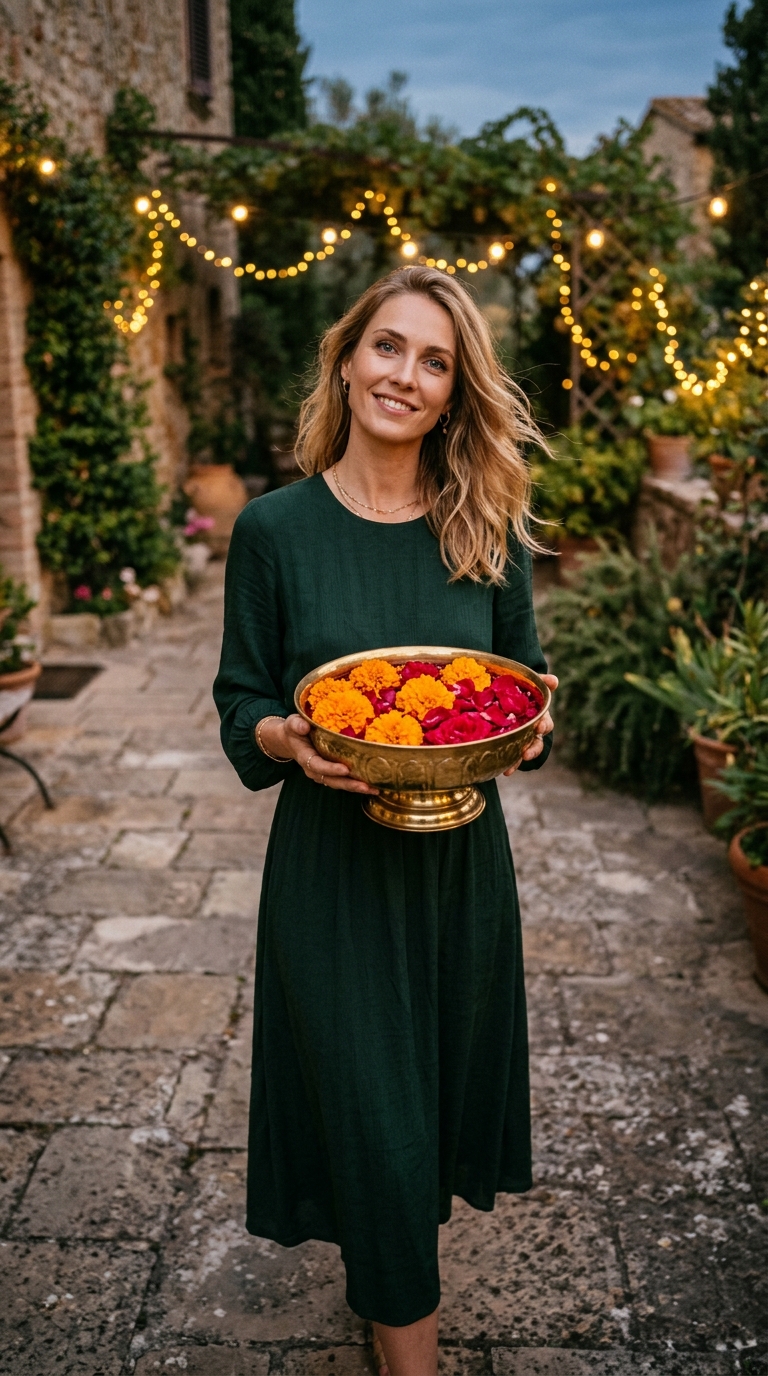
Single continuous take, medium shot with a slow, steady camera push-in. The subject from the reference photo stands indoors behind a wooden table covered with unlit clay oil lamps and orange marigold petals, cradling a single lit clay lamp in both palms. 0-2s the subject looks warmly into the lens with a serene smile and whispers in English, 'Watch what happens when I share this light.' 2-6s the subject gently sets the lit clay lamp onto the center of the table and taps its rim with one finger; a luminous golden ripple spreads across the wood, instantly igniting all the surrounding clay lamps in a synchronized glowing ring. 6-8s the subject gasps with wide-eyed wonder and raises both open palms upward as every glowing clay lamp and marigold petal suddenly defies gravity, lifting smoothly off the table to orbit around the subject in a swirling golden vortex of warm candlelight. 8-10s the subject reaches out to let one floating lamp hover just above an open palm, beaming directly at the camera with sparkling eyes as soft golden embers drift past the lens. Warm acoustic strings, gentle chime sound effects, soft crackling flames, and clear English dialogue. Face, hair, and outfit remain unchanged.Frequently asked questions
What happens in the Levitating Lights video effect?
Your subject sets down a lit clay lamp to trigger a golden shockwave that ignites dozens of surrounding lamps, which then levitate along with marigold petals in a glowing vortex around them.
Will my outfit and facial features stay the same in the video?
Yes, the template is engineered to lock your identity, hairstyle, and exact clothing from your reference photo from the first frame to the last.
What kind of photo works best for this photo to video template?
A clear waist-up or medium portrait with good lighting on your face and unobstructed hands or torso gives the AI the best anchor to animate.
How long is the generated Levitating Lights clip?
The effect generates a full 10-second vertical 9:16 video recorded as a single continuous shot with rich micro-movements and audio.
Where can I share the finished video?
The 9:16 vertical format is ready to post directly to TikTok, Instagram Reels, YouTube Shorts, or festive family group chats.